Proxmox with the Laptop Lid Closed
How to stop Proxmox from suspending when you close a laptop lid
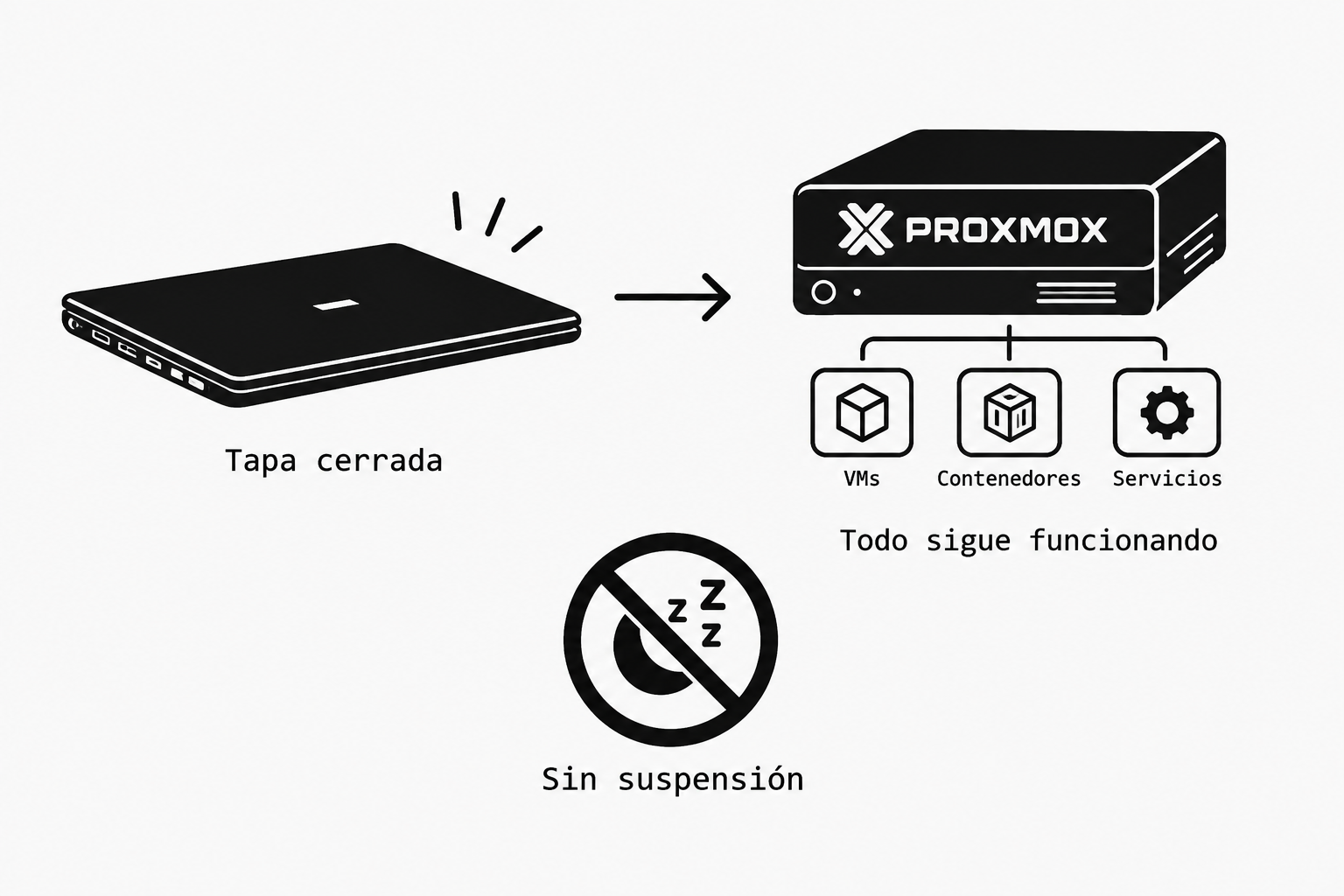
In my case, I run one of my Proxmox servers on a laptop because of its lower power consumption.
If, like me, you use a laptop as a Proxmox VE server, you may run into a fairly common problem: when you close the laptop lid, the system suspends (or shuts down), and as a result, virtual machines, containers, and services become unavailable.
By default, Linux may interpret closing the lid as a request to suspend the machine. On a server, that usually isn’t what we want.
In this post, I’ll show you how to configure Proxmox so that closing the laptop lid does nothing, allowing the server to keep running even while the screen is closed.
The problem
In my case, I have a laptop running Proxmox VE as a server.
Everything works fine while the screen is open. However, when I close the lid, the machine suspends and the server stops responding.
This happens because Proxmox is based on Debian and uses systemd to manage certain events related to power and closing the lid.
The relevant configuration is located in:
/etc/systemd/logind.conf
So, the first thing we’ll do is check the current configuration.
First, let’s check how systemd-logind is currently configured.
Let’s open the Proxmox shell:
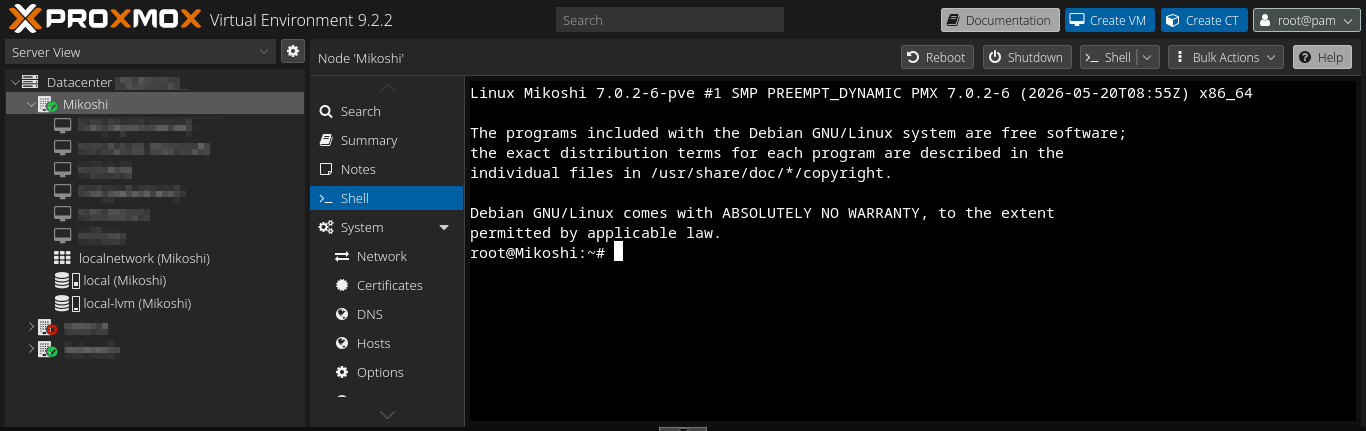
From a Proxmox console or over SSH, run:
cat /etc/systemd/logind.conf | grep -E 'HandleLidSwitch|HandleLidSwitchExternalPower'
If you see lines like these:
#HandleLidSwitch=suspend
#HandleLidSwitchExternalPower=suspend
#HandleLidSwitchDocked=ignore
This means the options are commented out and systemd-logind is using its default behavior.
On many systems, that behavior is to suspend the machine when the lid is closed.
Now let’s modify logind.conf.
Edit the configuration file:
nano /etc/systemd/logind.conf

Find these lines:
#HandleLidSwitch=suspend
#HandleLidSwitchExternalPower=suspend
#HandleLidSwitchDocked=ignore
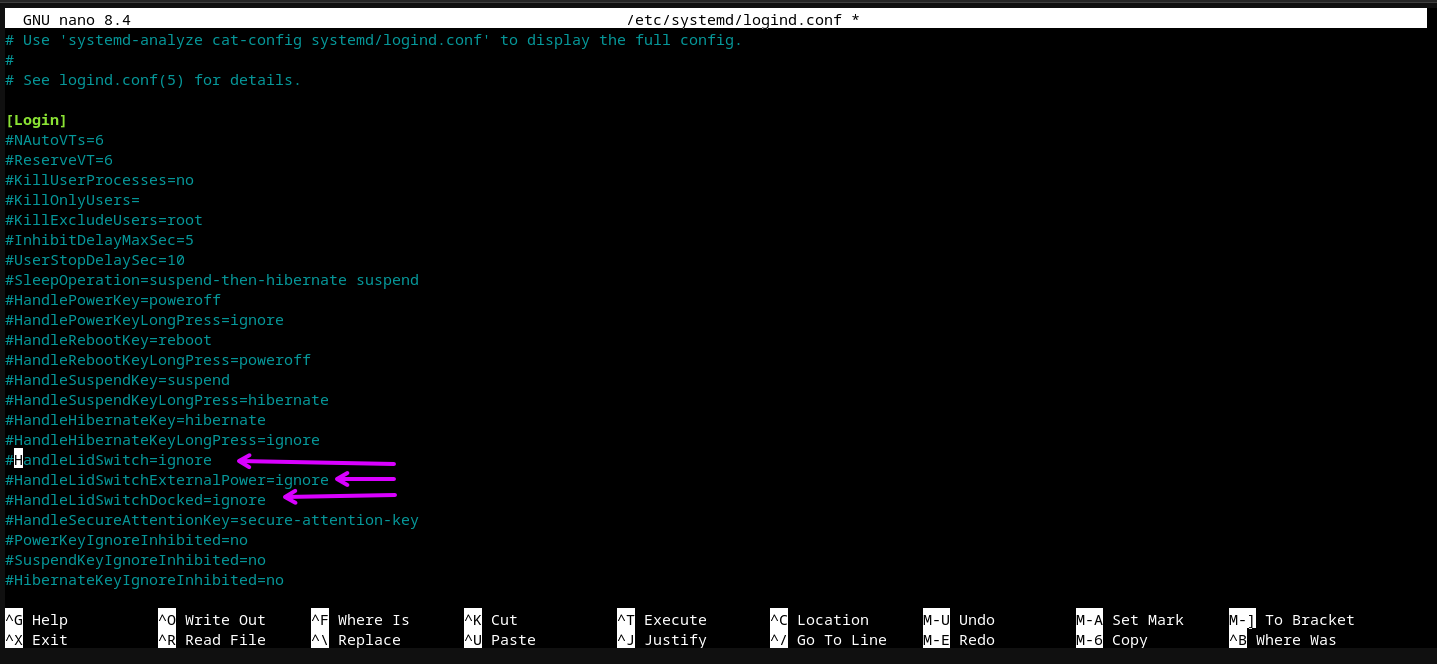
Change them to:
HandleLidSwitch=ignore
HandleLidSwitchExternalPower=ignore
HandleLidSwitchDocked=ignore
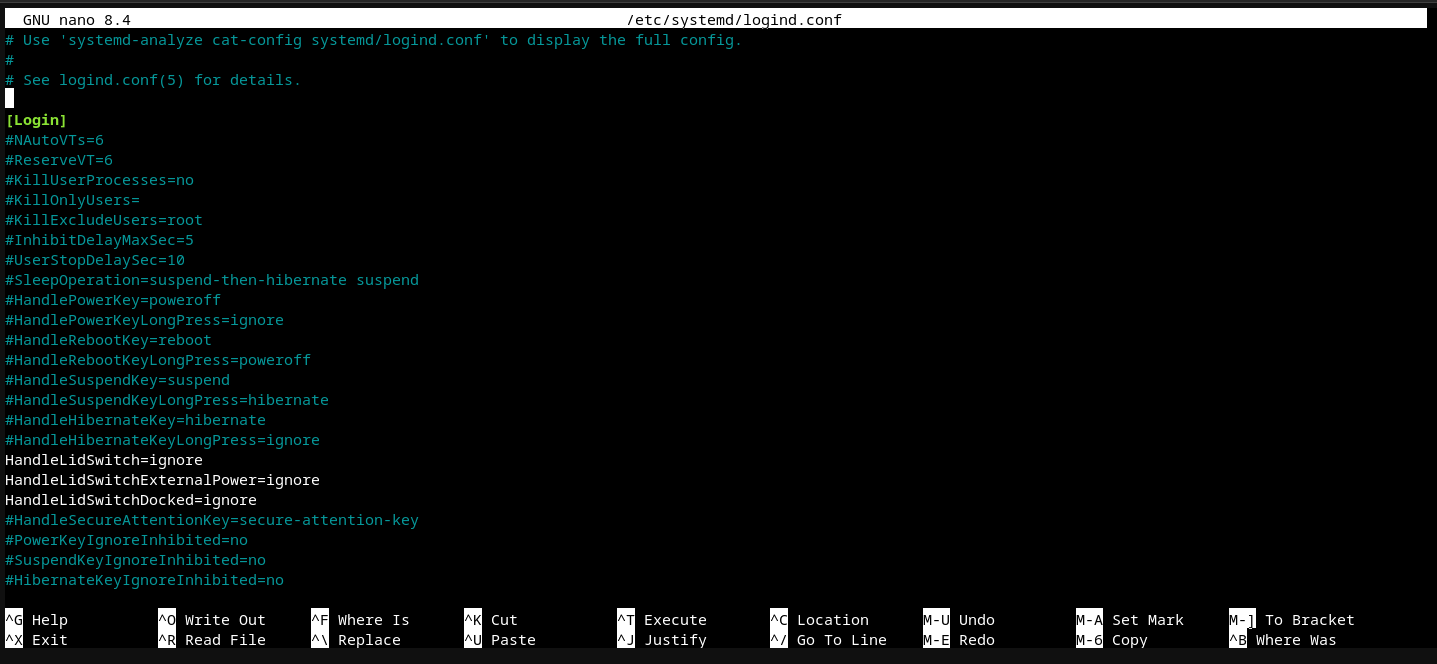
The key setting is:
ignore
With this configuration, we’re telling systemd-logind to ignore the event that occurs when the lid is closed.
What does each option mean?
HandleLidSwitch=ignore
Specifies what to do when the lid is closed under normal conditions.
HandleLidSwitchExternalPower=ignore
Does the same when the laptop is connected to external power, that is, when it is charging.
HandleLidSwitchDocked=ignore
Prevents the behavior from changing when the system considers the machine to be connected to a docking station or a similar setup.
For a laptop used as a server, setting all three options to ignore lets us close the screen without suspending the machine.
Apply the changes
After saving the file, we can restart the service:
systemctl restart systemd-logind

We could also reboot the server to make sure all the configuration is loaded from scratch:
reboot
In my case, this is fine because the machine simply reboots. However, if you do this over SSH, keep in mind that the reboot will disconnect you from the machine.
Ideally, after the reboot, check that the configuration has been applied.
We can verify that the options are no longer commented out by running:
cat /etc/systemd/logind.conf | grep HandleLidSwitch

The expected output is:
HandleLidSwitch=ignore
HandleLidSwitchExternalPower=ignore
HandleLidSwitchDocked=ignore
Make sure there is no # at the beginning of the lines.
For example:
#HandleLidSwitch=ignore
This would not be active.
Whereas:
HandleLidSwitch=ignore
would be active.
Result
Once this configuration is in place, we can close the laptop lid without systemd-logind telling the system to suspend.
After applying the changes, we can close the lid and leave Proxmox running as a server with its services, or anything else we still have running.
Important:
Important: this configuration prevents the action associated with closing the lid, but it does not prevent the system from suspending for other reasons or because of other power-management settings. If the server still suspends, you should also check the systemd and ACPI policies and the hardware’s own power settings. This depends on the device; this is what worked for me.